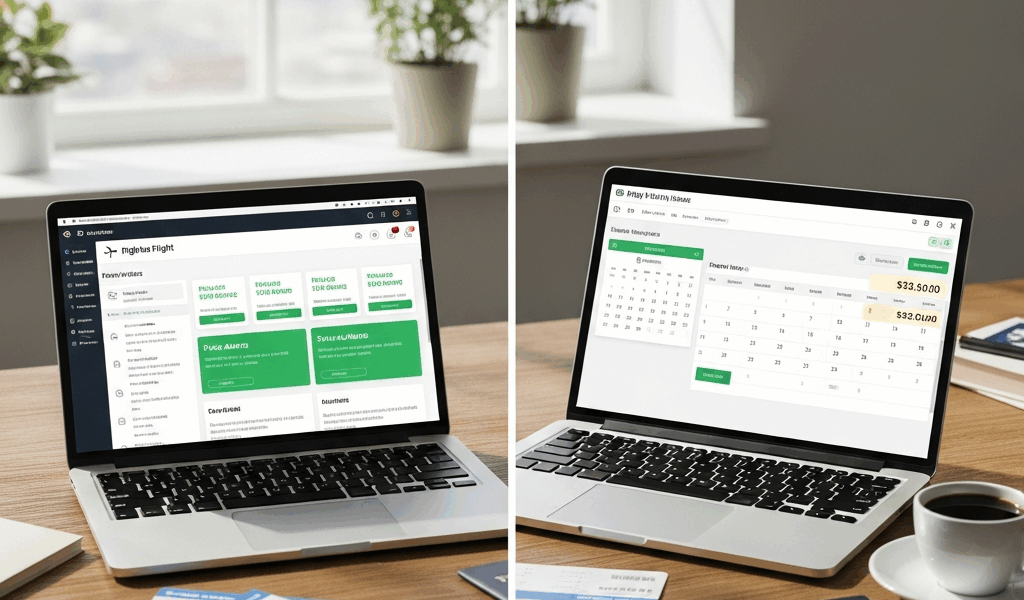
What Each Tool Is Actually Built For
The Hopper vs Google Flights debate has spiraled into something unrecognizable with all the conflicting advice flying around. As someone who has booked dozens of flights over the past several years — and paid the price, literally, for trusting the wrong tool at the wrong moment — I learned everything there is to know about how these two actually work. Today, I will share it all with you.
I’ll start with the Denver situation. Bought a ticket three weeks early. Watched the price fall $140 the following Tuesday. Sat with that information like a punishment. That was 2022, and I still think about it. So let me be direct about what these tools are before we argue about which one deserves your money.
But what is Hopper? In essence, it’s a booking app that watches fare data over time and tells you whether to buy now or wait. But it’s much more than that — it’s also where you complete the purchase without ever leaving the app. Google Flights is something else entirely: a search and comparison engine. It doesn’t care when you book. It just shows you the full landscape of available fares, across carriers and dates, faster than almost anything else out there. Different jobs. Different strengths. The comparison only gets interesting when you look at specific situations.
Price Prediction — Does Hopper’s Buy or Wait Really Work
Hopper’s algorithm chews through billions of price points and spits out one instruction: buy now, or wait. The rabbit emoji turns green when fares look good. Yellow or red means Hopper thinks prices will fall. Simple enough in theory.
In practice? The accuracy is real but messy. A 2019 analysis — cited by Hopper themselves — claimed 95% prediction accuracy within $5. But that number comes from the company, and it applies to specific domestic routes with enough historical data to pattern-match. Independent traveler reports scattered across Reddit threads and travel blogs tell a more complicated story. On busy domestic corridors like New York to Miami or Chicago to Los Angeles, the predictions hold up reasonably well when you’re booking somewhere between 3 and 8 weeks out. Push outside that window, or try it on thinner international routes, and the confidence drops fast.
Google Flights does offer price tracking alerts — but they’re passive. You set a route, Google emails you when something moves. No verdict. No buy-or-wait call. You still have to figure that out yourself.
Where Hopper has genuinely burned people — myself included on a Mexico City fare in early 2023 — is when it holds a “wait” recommendation too long on routes where prices spike without warning. A sale ends. Seasonal demand kicks in. A schedule change ripples through inventory. The algorithm doesn’t always catch the moment. I waited on Hopper’s advice, prices jumped $90, and I booked elsewhere at a loss. Don’t make my mistake. That’s not a reason to write Hopper off entirely. It’s a reason to treat it as a probabilistic tool rather than a guarantee.
Finding Cheap Flights — Google Flights Wins Here and Why
Frustrated by that Mexico City experience, I started opening Google Flights first on every single trip, using it specifically for initial discovery — and the difference in search breadth is not subtle.
Google Flights Explore lets you type in a departure city and leave the destination completely blank. It populates a map with fares to everywhere. The flexible date grid shows a full month of prices in one view — you can see immediately that flying Tuesday instead of Thursday saves $60. The price calendar goes even further, letting you slide across weeks to find the cheapest travel window without locking in a date first.
Hopper doesn’t do any of that. You enter a specific route, and Hopper works within it. For discovery — figuring out where to go, or which dates make financial sense — Hopper requires you to already know what you want. That’s a real limitation.
The carrier coverage gap matters too. Hopper has historically had limited or zero data from Spirit, Frontier, Allegiant, and several international low-cost carriers. Google Flights pulls from a much wider pool. On a sample route — Philadelphia to Orlando in October — Google Flights returned Spirit fares starting at $49. Hopper showed the same route starting at $112 on the lowest available option. That’s not Hopper being dishonest. It’s just missing inventory that Google has indexed.
For international itineraries with multiple airline options and real date flexibility, Google Flights isn’t even close. It’s the better tool at this stage of the process, full stop.
Booking Experience and Hidden Fees Compared
Google Flights doesn’t actually book anything. It redirects you to the airline or a third-party OTA to complete the purchase. That handoff is usually clean — but it means you’re dealing with the airline’s own checkout interface and whatever fees that carrier buries three screens deep.
Hopper books directly in-app. Faster, smoother, especially on mobile. Where it gets complicated is the add-ons — and there are several.
Price Freeze is probably the most legitimate one. You pay a small fee — usually somewhere between $5 and $21 depending on the route and duration — to lock in a fare for 14 days while you decide. If prices go up, Hopper covers the difference up to a cap. If prices fall, you pay the lower amount. Real use case: waiting on a travel companion to confirm dates before you commit to anything.
Cancel for Any Reason is another add-on, typically running between $20 and $50 per ticket. It works. But the math matters. On a $180 domestic ticket, paying $35 for cancellation coverage that refunds 80% of the fare is defensible for some travelers. On a $400 ticket with a flexible fare already built in, it’s probably redundant. I’m apparently someone who used to add every protection available, and that habit cost me more than it saved. Don’t make my mistake.
Neither product is a scam. But they are margin plays, and Hopper surfaces them prominently at checkout. Know what you actually need before you start tapping through.
When to Use Hopper, When to Use Google Flights
I should’ve put this up front, my bad. Here’s the plain version.
Use Google Flights when you’re in discovery mode — flexible on destination, flexible on dates, or searching international routes with multiple carrier options. Use it for last-minute travel, where prediction algorithms have zero runway and you need full inventory immediately. Use it whenever you suspect low-cost carriers are offering fares that aren’t showing up elsewhere.
Use Hopper when you’ve already locked down a specific domestic route and you’re booking somewhere between 2 and 8 weeks out. That’s where the prediction is most reliable — well-trafficked domestic corridors with enough historical data to pattern-match against. And if you genuinely need flexibility after purchase, the Price Freeze feature earns its fee on routes where fares swing $50 or more inside a two-week window.
- Domestic trip, 3–6 weeks out, fixed route — check Hopper for the buy/wait signal
- International search with date flexibility — start and finish on Google Flights
- Last-minute travel under 7 days — Google Flights, no contest
- Waiting on a travel companion to confirm before committing — Hopper’s Price Freeze earns its fee
- Budget route on Spirit or Frontier — Google Flights, because Hopper won’t show you the full picture
That’s what makes Google Flights endearing to us chronic deal-hunters — it never hides inventory to push you toward a booking. So, here’s the actual verdict: Google Flights is the better primary tool for most travelers. Hopper is a useful second check on domestic bookings where timing genuinely matters. Using both costs nothing and takes under five minutes. Start on Google Flights, confirm the route, then open Hopper to see if it agrees on timing. When they align — book with confidence. When they disagree, dig a little deeper before you commit.




Leave a Reply