The Tracking Myth Is Wrong — but Also Kind of Right
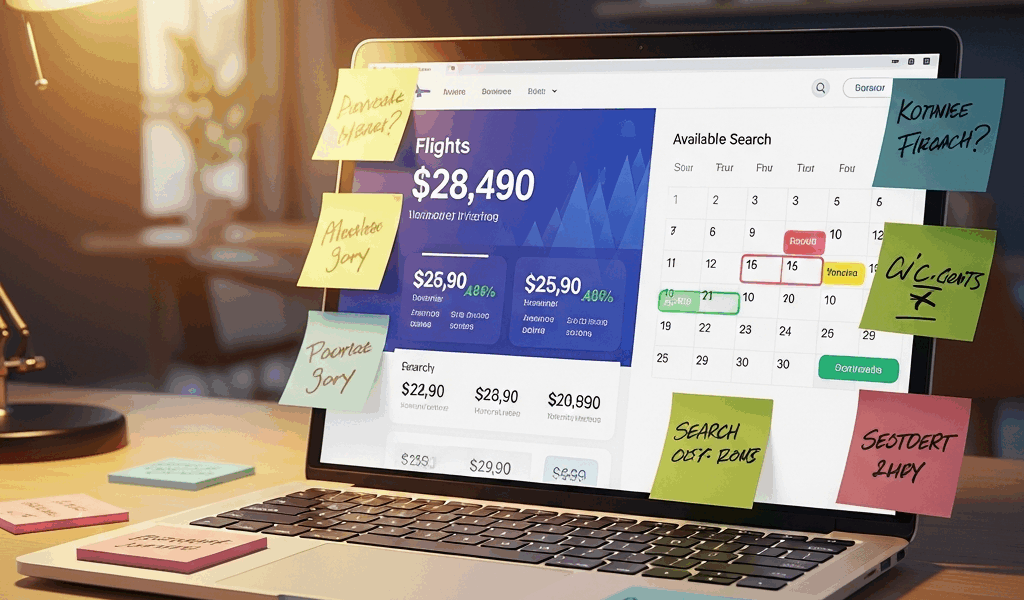
Flight pricing is genuinely confusing these days with all the conspiracy theories flying around. You search for a flight to Denver on Tuesday. The price is $287. You close the tab, think it over, search again Wednesday morning. Now it’s $312. So the airline tracked you, right? They know you’re interested, so they bumped the price to squeeze every dollar out of you?
As someone who spent years booking flights obsessively — clearing cookies, switching browsers, searching in incognito like I was running some kind of counter-surveillance operation — I learned everything there is to know about how airline pricing actually works. Today, I will share it all with you.
Airlines are not personally targeting you. There’s no algorithm sitting around thinking, “Oh, this person from Des Moines searched twice — let’s get them.” That’s not how revenue management systems work. But prices do genuinely change between searches, and the reasons are specific and learnable. Seat inventory buckets. Cached pricing data with refresh delays. Aggregate demand signals across entire route networks. Understand those three things and the paranoia dissolves completely — replaced by something actually useful.
How Airlines Actually Set Prices in Real Time
But what is a fare class? In essence, it’s an invisible pricing compartment within a single flight. But it’s much more than that.
Take a regional flight from St. Louis to Chicago — 150 seats total. The airline might slice it something like this: 8 seats at $149, 12 at $189, 15 at $229, 20 at $269, and the rest at higher tiers climbing toward full fare. These aren’t fixed rules carved in stone. They shift constantly based on days until departure, current load factor, and what the forecasting model predicts about the next 72 hours.
Someone books one of those eight $149 seats. The counter drops to seven. All eight gone? The next searcher sees $189 as the floor. That’s the jump you noticed. The airline isn’t reacting to you specifically — it’s responding to how many cheap seats remain and what the demand model expects next.
Here’s the part most explainers skip entirely: those buckets can reopen. Someone cancels a $229 ticket two days before departure, and that seat might get re-released into the $189 bucket temporarily. The yield management system — airlines typically run something like PROS or SabreMosaic — constantly rebalances based on no-show predictions, cancellation patterns, and connecting passenger flows. A Thursday search might land exactly when a bucket reopened because of a cancellation from that morning. Feels like the price dropped for you specifically. The inventory just shifted. That’s what makes these systems so maddening — and endearing to us obsessive deal-hunters.
Direction matters too. A Tuesday flight from New York to San Francisco might have tight cheap-bucket inventory because midweek business travel hammers that corridor. The Thursday return? Often several low-fare seats still sitting there because fewer people are heading back. Your search captures one snapshot of those allocations — nothing more.
Why the Price Looks Different the Second Time You Search
Worth saying out loud before I go further.
The GDS — Global Distribution System, the infrastructure powering Kayak, Google Flights, Expedia, basically everything — doesn’t pull live pricing. It pulls cached pricing. That cache refreshes on a delay, usually somewhere between 15 and 90 minutes depending on the platform and server load at the moment you happen to search.
Search Google Flights at 2:00 p.m. and you’re not querying the airline’s live inventory. You’re seeing data retrieved and cached around 1:30. Search again at 2:15 and you’re often still looking at that same 1:30 snapshot. By 2:45, Google might have refreshed — now you’re seeing data from 2:30. Different number on the screen. Same flight. No one targeted you.
This timing artifact alone explains a massive chunk of what people interpret as personalized pricing. You’re watching different cache generations, not an airline reacting to your browsing history.
There’s a second layer. Airlines monitor aggregate search volume across their routes. Revenue management systems ingest data from GDS queries, direct website traffic, and competitor activity simultaneously. Search volume for Chicago to Miami spikes on a Tuesday afternoon? The system might tighten inventory buckets on those flights as a precaution — not because of your specific search, but because broad demand signals suggest being conservative about discounting right now.
Weak demand signals flip that behavior entirely. The system expands cheap seat allocations across multiple buckets. A second search hours later might catch a more aggressive stance. You feel like something changed for you personally. The system was recalibrating expectations for the entire route — you were just there for it.
What Actually Causes Prices to Drop After You Wait
Soto where the real patterns live — because prices genuinely do drop sometimes, and the structural reasons are worth knowing cold.
First: unsold inventory close to departure. Flight is 10 days out, still carrying 40 cheap seats. The yield management system recognizes it overestimated demand. Prices drop aggressively — airlines would rather fill those seats at $189 than watch them fly empty at $0. Wait a few days and you might see a legitimate fare reduction. That was a miscalculation by the algorithm, not generosity toward you.
Second: schedule changes and competitive reactions. An airline cancels a flight, consolidates passengers onto another departure, or a competitor launches an aggressive route. Delta drops fares by $40 on a corridor. United matches within hours. American follows. Suddenly the price you see Thursday is genuinely lower than Monday’s number — nothing to do with your search history, everything to do with a pricing war you stumbled into at the right moment.
Third: demand destruction. Search volume falls faster than projected — news event, unexpected holiday shift, just statistical noise. The airline lowers fares to stimulate bookings rather than watch load factors slide. I’ve seen this knock $60 to $90 off a fare overnight on routes I was tracking. Don’t make my mistake of booking the second I saw a low price before confirming whether demand had actually softened on the route.
None of these mechanisms are personal. The system treats all searchers identically. A frequent flyer with 200,000 miles banked and a college student hunting for the cheapest possible seat searching for the same flight at the same moment see the same price — because the GDS doesn’t segment by person. It segments by route, date, and cabin. Honestly, that’s good news. It means timing beats paranoia every single time.
What You Should Actually Do With This Information
While you won’t need a spreadsheet tracking every fare class manually, you will need a handful of tools working in the background for you.
First, you should kill the manual refresh habit — at least if you value your sanity and your time. Google Flights’ email price alerts track cache refreshes and inventory shifts automatically. Set one, walk away, get notified when something real happens. Hopper uses its own predictive model and will tell you whether to book now or wait, which is useful even when it’s wrong. Kayak does something similar. I’m apparently a Google Flights person and it works for me, while Hopper’s push notifications never quite calibrated to my travel patterns.
Search early morning when possible. Airlines refresh pricing and rebalance buckets overnight. A 6:00 a.m. search often catches fresher cache and updated inventory decisions than anything you’d find at 3:00 p.m. — when everyone else is also searching and cache is stale from the lunch rush.
Incognito mode might be the best option for ruling out localized browser cache weirdness, as troubleshooting requires eliminating variables. That is because different prices in incognito usually mean you hit a different cache generation or the backend returned slightly different data — not airline recognition. Useful for debugging. Not a booking strategy.
Check load factor before deciding whether to wait. SeatGuru and some GDS-facing booking tools surface this. Flight sitting at 70% full with six days to departure? Prices might drop as departure closes in. Flight at 94% full? Book now — the algorithm sees scarcity and will price accordingly.
One clear action: set a price alert today for your next trip instead of refreshing manually every few hours. Let the system do the surveillance work. You’ve got better things to do with those two hours.


Leave a Reply